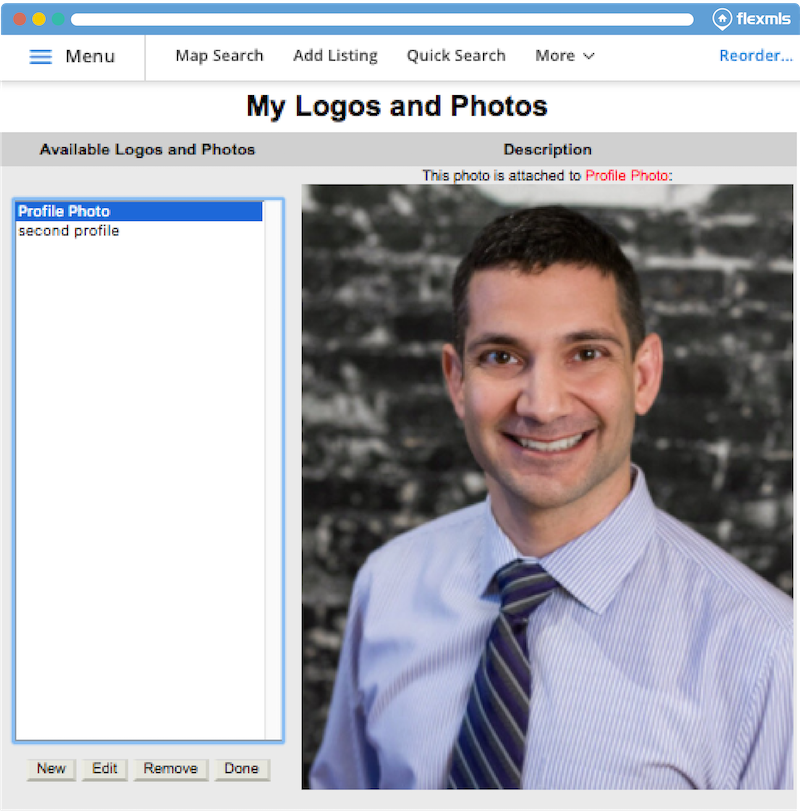
When adding and editing your profile photos and logos, the entire photo now displays, making it easier to view your profile photos and logos.
When will it change
This update is available now.
Who will be affected
This update is available for all Flexmls Web users who use photos in their profile.
What will change
Use the Menu to find and select My Profile, then select Personal Photo and Logo Maintenance. Select an available photo that youÕve previously added (click New to add a new profile photo), and the entire photo displays on the screen regardless of the photoÕs actual size.
Why are we making this change
This update makes it easier for you to view your profile photo after itÕs been added regardless of the photoÕs actual size. Previously, large photos were not resized to display on this screen, so it was necessary to scroll in order to see the entire photo.

