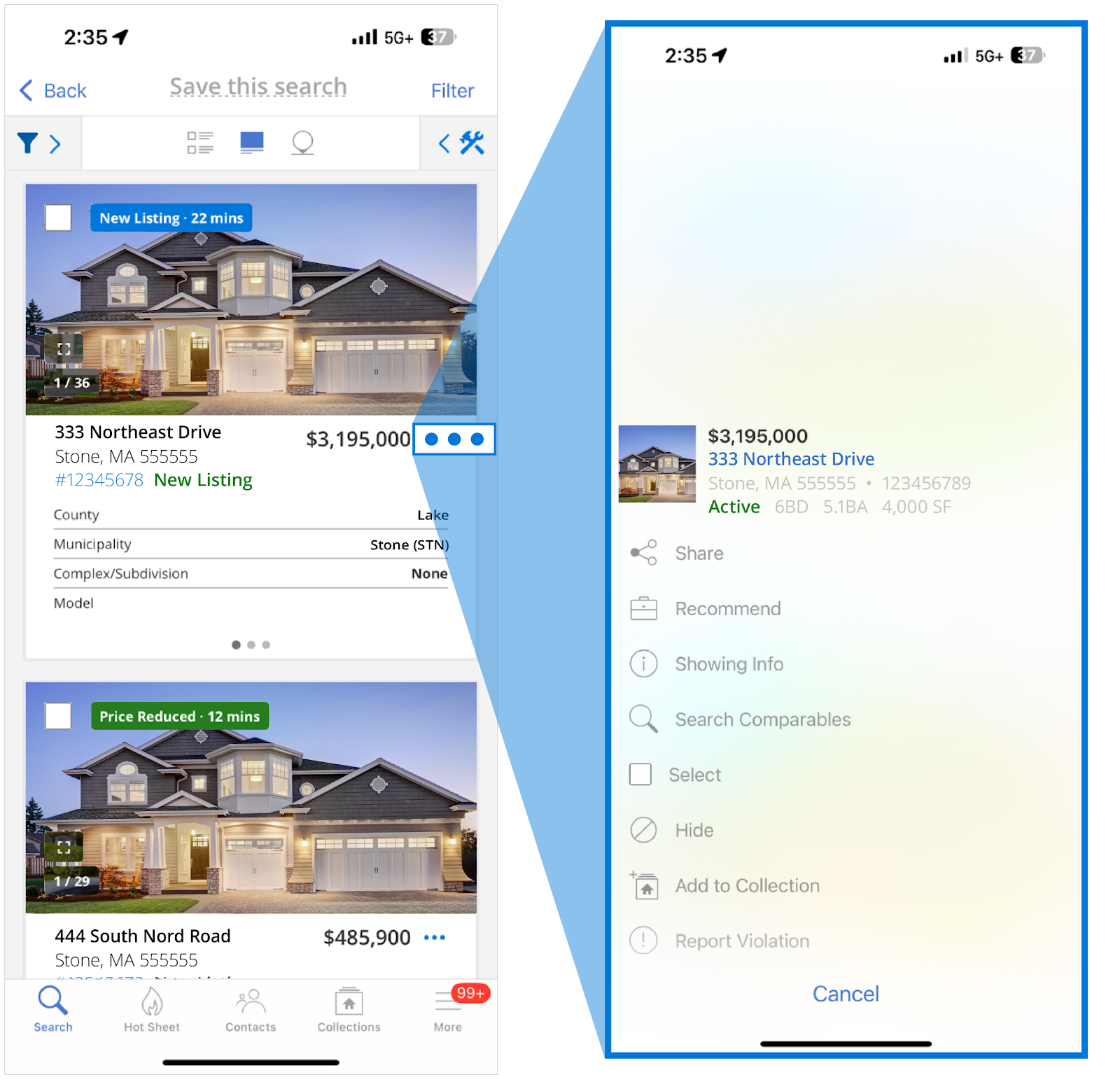
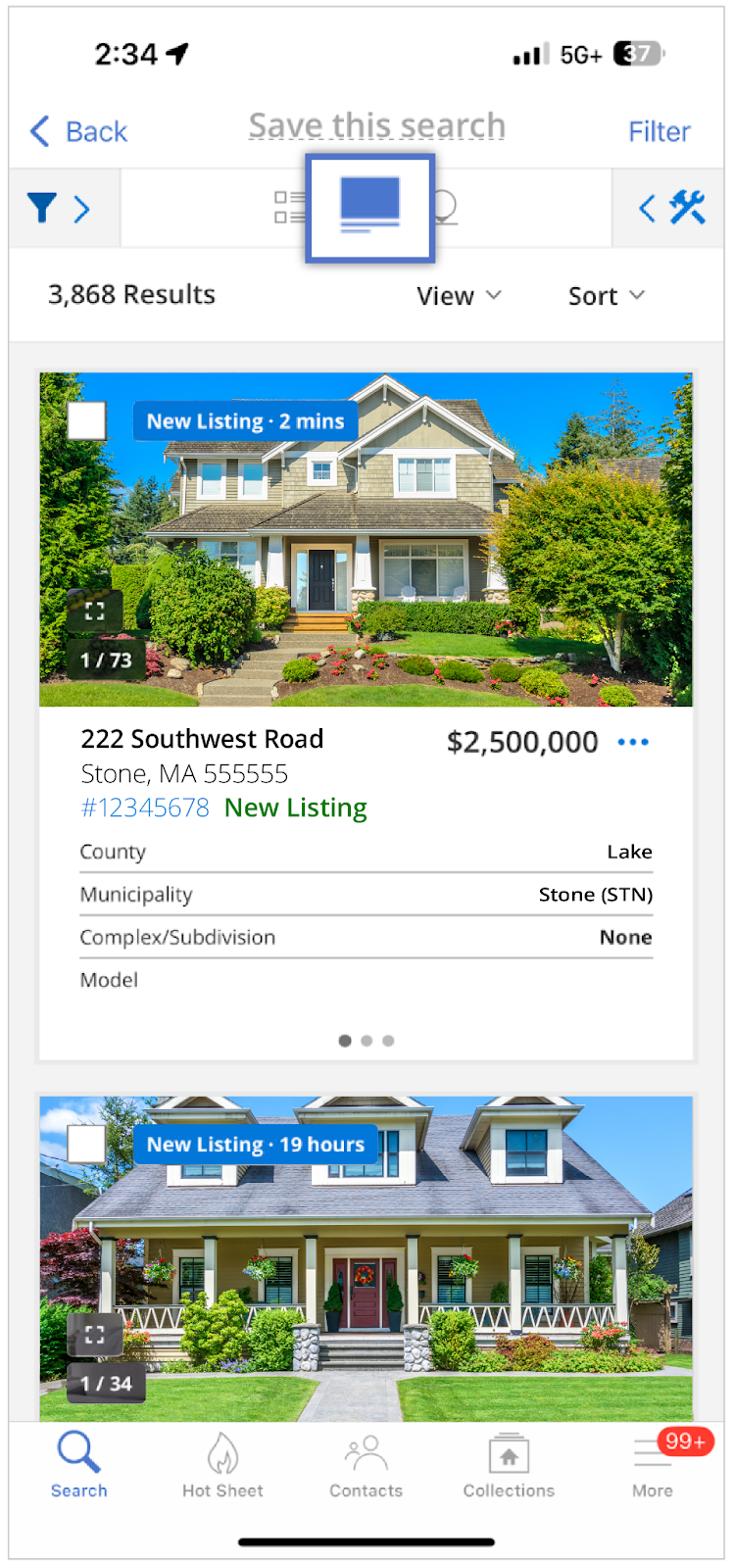
We are making updates to the Summary View on the iOS mobile app. The new Summary View supports custom Views and is designed to give users a more detailed snapshot of multiple listings at once, without having to navigate to each individual Listing Detail Page.
Who gets it?
Agents that use the Flexmls for Real Estate Pros iOS mobile app.
Why does this matter?
The redesigned view is a happy medium between the List View and the Listing Detail Page, making it quick and easy for users to get the information they need. Users are able to see the most important listing information with fewer taps and without having to switch back and forth between search results and the Listing Detail Pages.
When is this live?
Available on iOS Mobile App June 5, 2025.
What is changing?
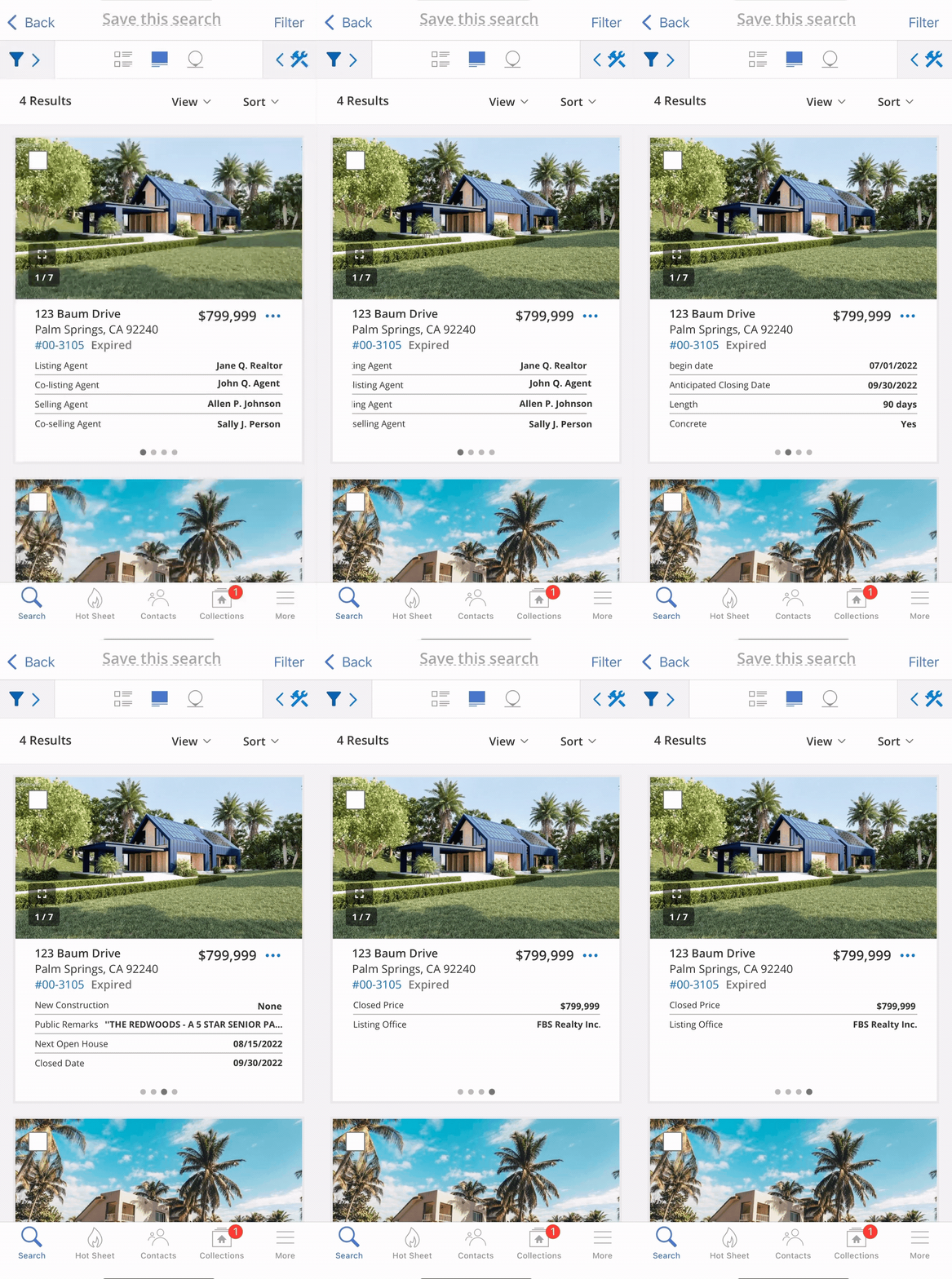
The Summary View (previously known as the Gallery View) will now feature property card information that is scrollable from left to right, giving users the ability to view more property details without leaving the page.
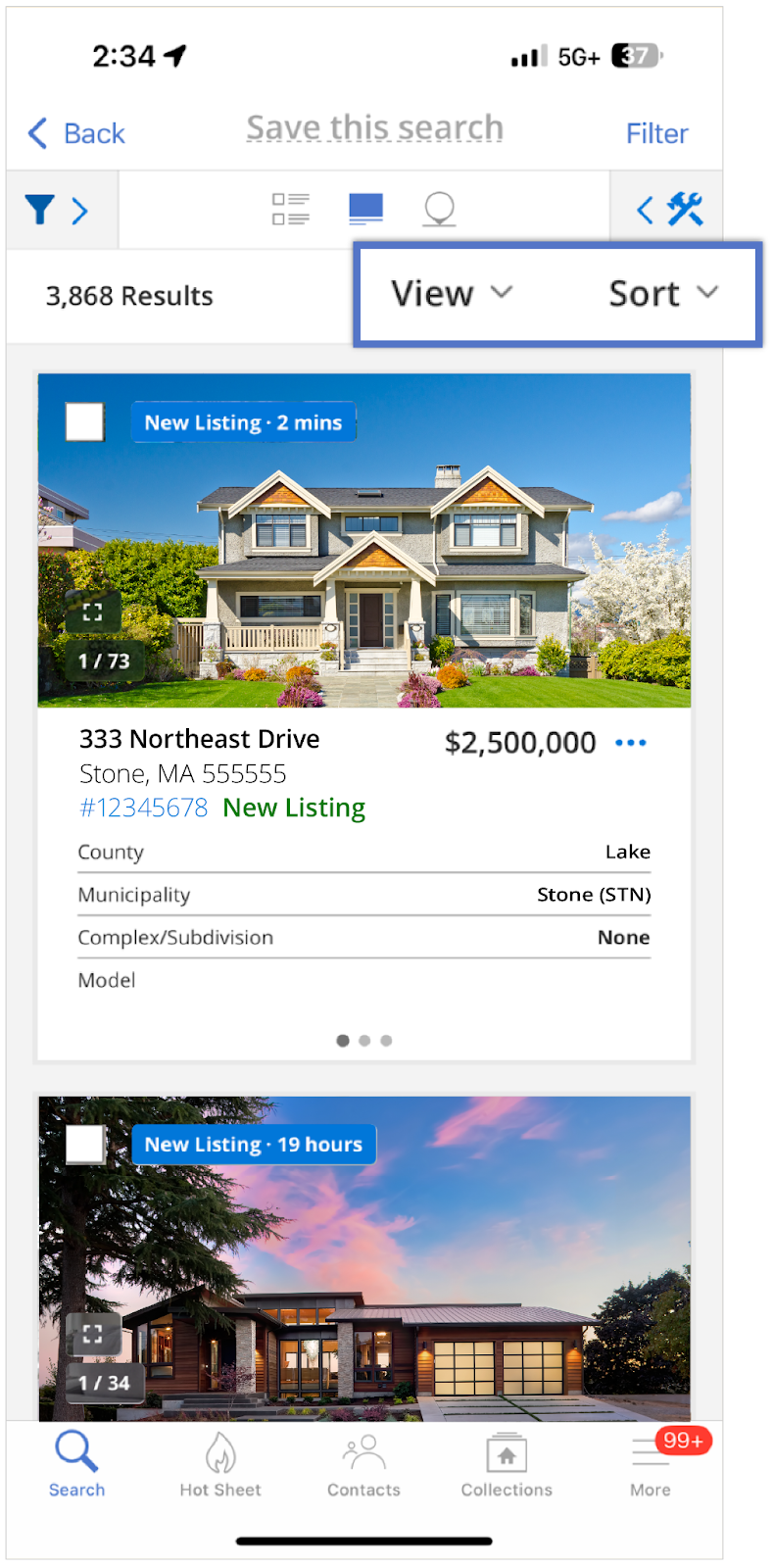
Since the Summary View supports custom Views, users can modify the information that displays in the property card, ensuring that their most important information is seen first.
Users can tap the MLS# to pull up copy functions such as Copy Address, Copy Price, Copy MLS Number, etc.
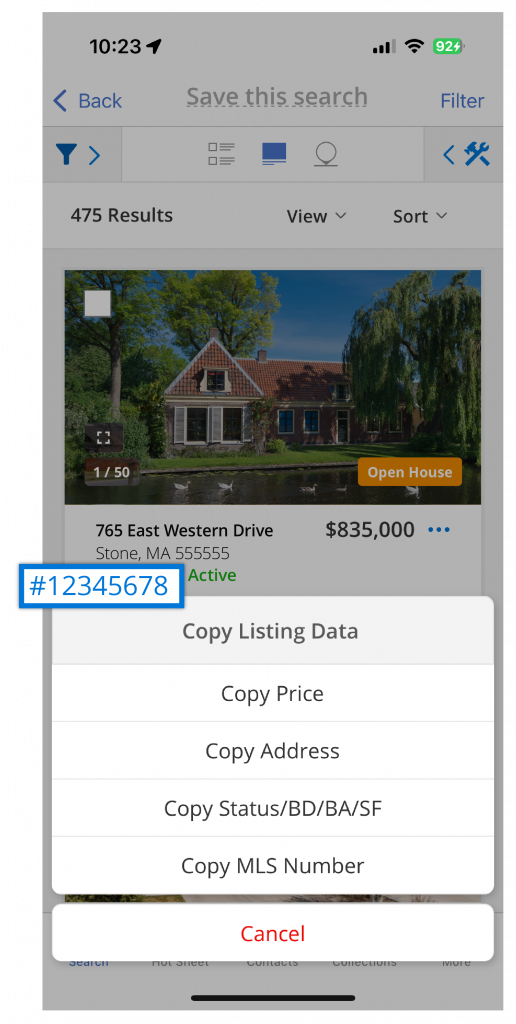
To simplify the design, we have also moved the listing actions to the three-dot menu next to the listing price. Tap the three-dot menu to complete various functions, such as sharing, recommending, or hiding a listing; adding a listing to a collection; or viewing showing information.