Starting on January 31st, youÕll see a new look to the listing detail page in Flexmls Pro for Android and Mobile Web. There will be expandable containers to view listing details and history, and a map icon to view the location. These updates will also be available for consumers viewing listings on mobile browsers. Additionally, consumers will have access to separate containers for history and tax information (as allowed by your MLS).
When will it change?
These updates will be available on January 31, 2019.
Who will be affected?
Anyone using Flexmls Pro for Android or Mobile Web will receive these updates. Consumers will also notice these changes when they view the public detail page on mobile web browsers.
What will change?
Expandable Containers
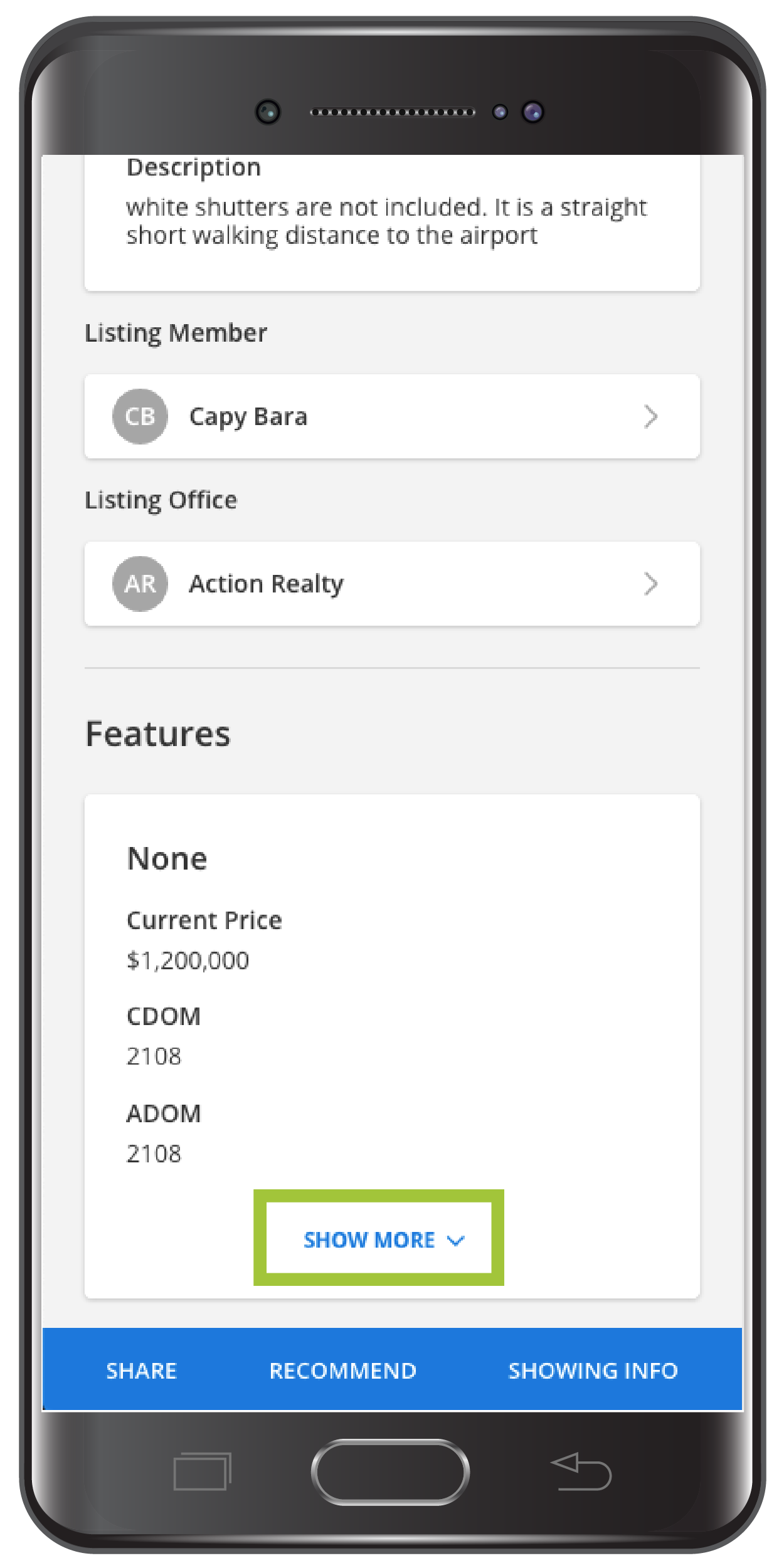
When viewing a detail page, there will be expandable containers to display the listingÕs Features, History, Taxes, and additional information. Tap the Show More link to expand a container and view more information. Please note that youÕll need to tap Show More in the Features section to view most of the listing details.
Map Icon
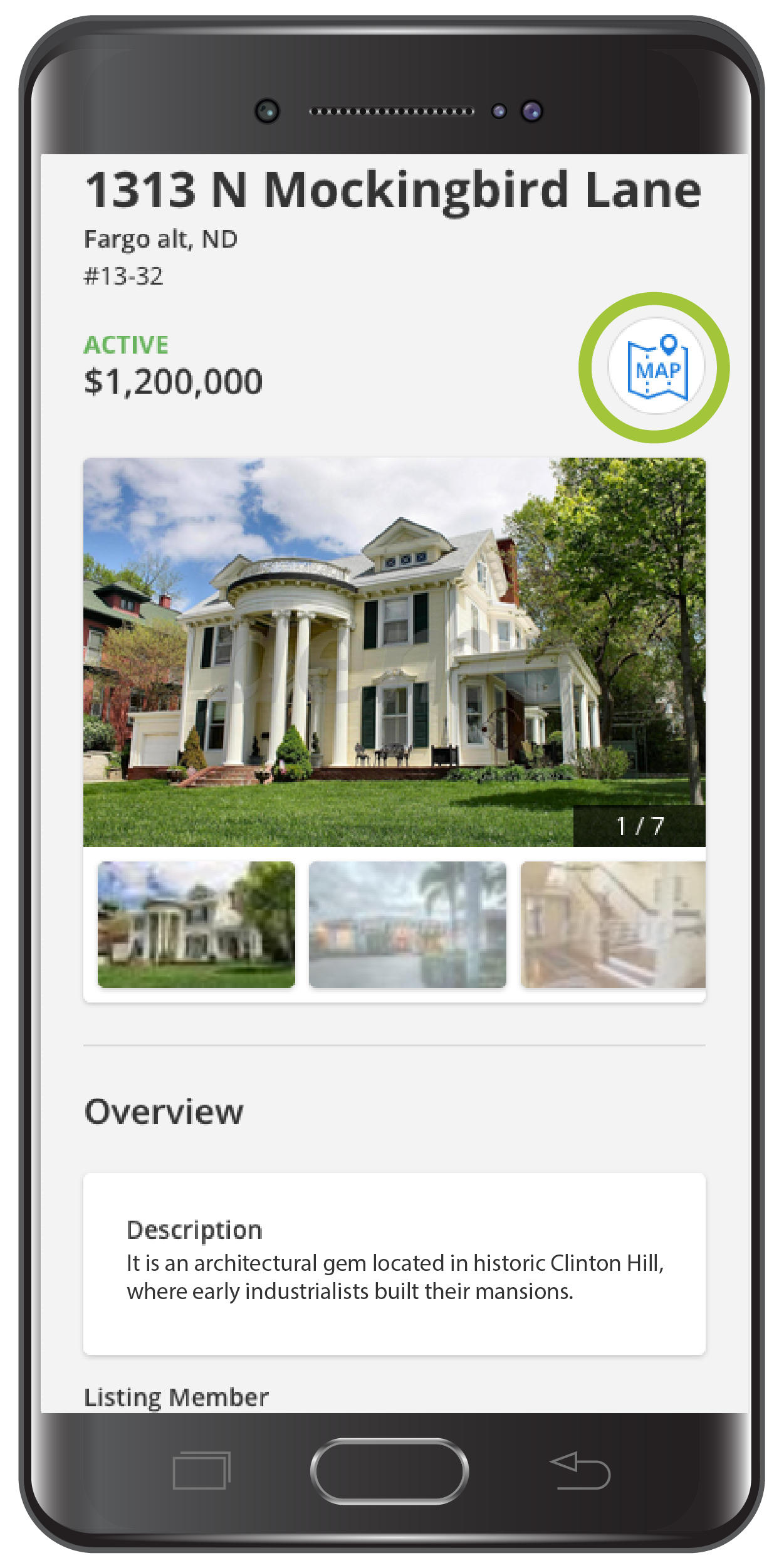
To access the map location, tap the Map icon at the top of the detail screen. Tap the X to return to the listing detail page.
History and Tax Sections Ð Public Version
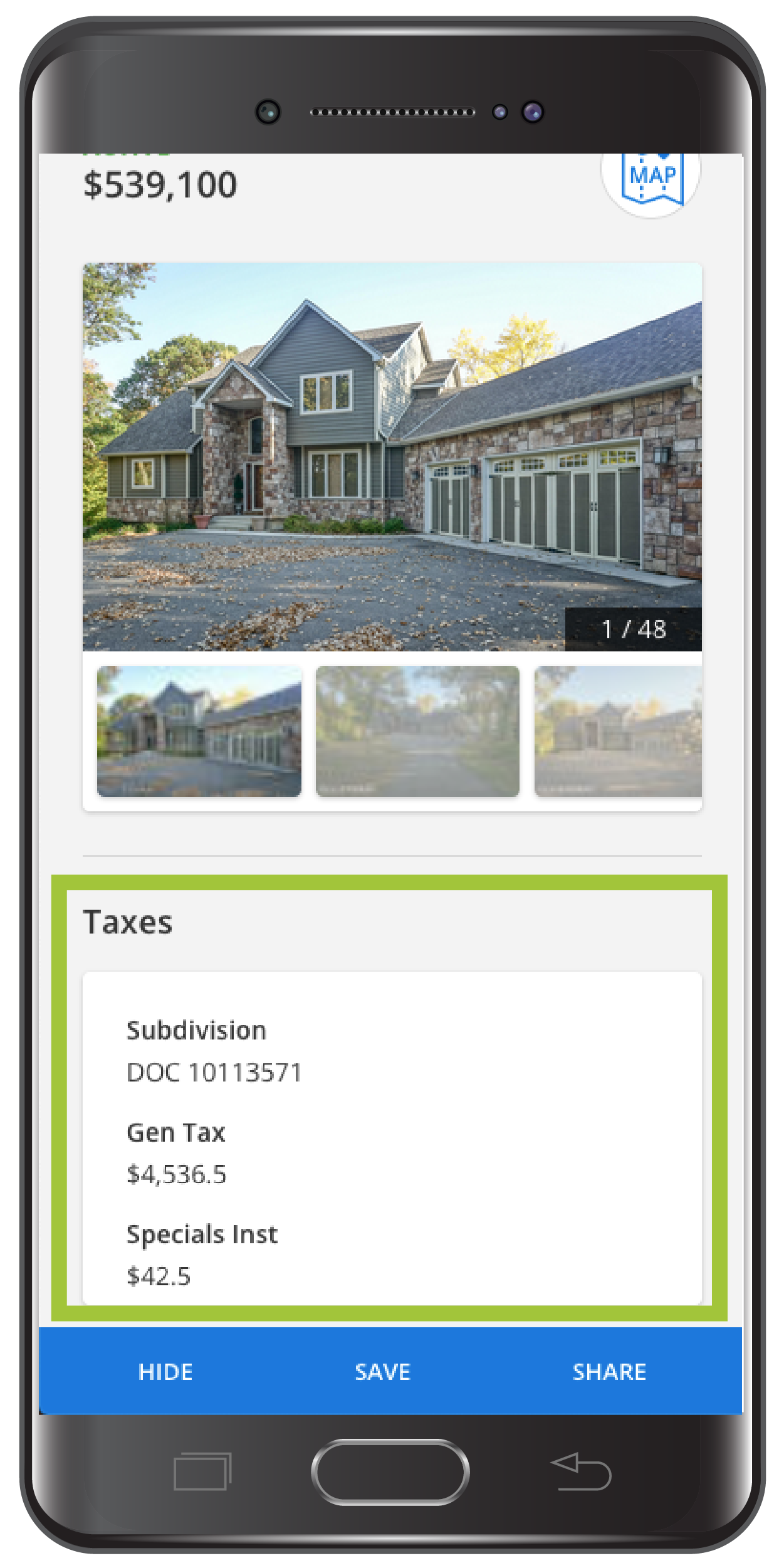
The public version of listing detail page will now include separate sections for History and Tax information (as allowed by your MLS). These sections are currently available when consumers view the listing on a full website, so weÕve expanded the functionality to the mobile version.
Why are we making these changes?
These updates are part of ongoing improvements being made to enhance the Flexmls user-experience on mobile devices. They help bring consistency to how Flexmls behaves for both agents and consumers, and they also make the consumer experience consistent when viewing listings on mobile and full web browsers.

